Nook app icon

A quiet browser
for your Mac.

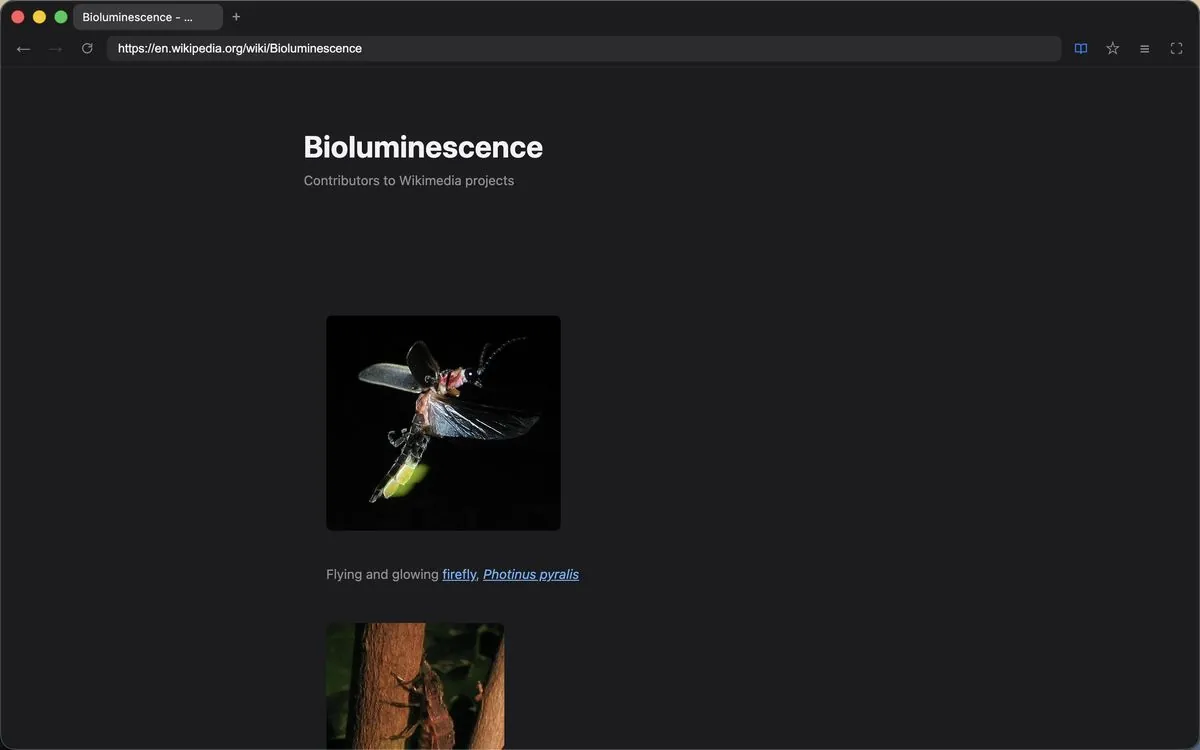
Nook blocks ads and trackers, opens articles in a reader view, and can hide its toolbar so the page is the only thing on screen. That is most of what it does, on purpose.

Download for macOS Watch the demo

Free, for Apple silicon and Intel Macs. Signed and notarized by Apple. There is no account to create and the app sends no usage data.

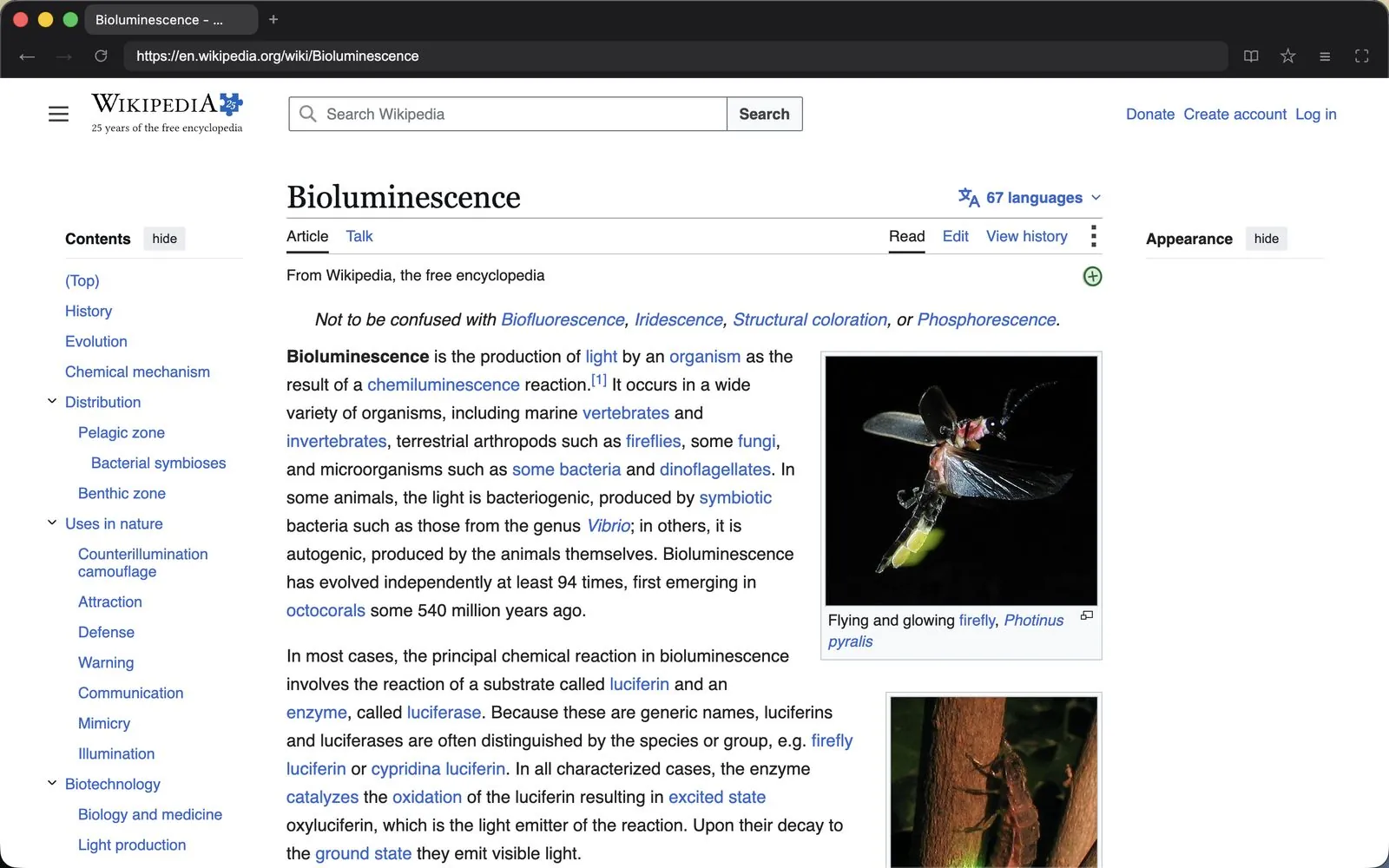
Nook showing a web page in dark mode with a slim tab strip

See it in two minutes

Why I built Nook, and what it does.

What it does

The parts of a browser you use every day.

Ad & tracker blocking

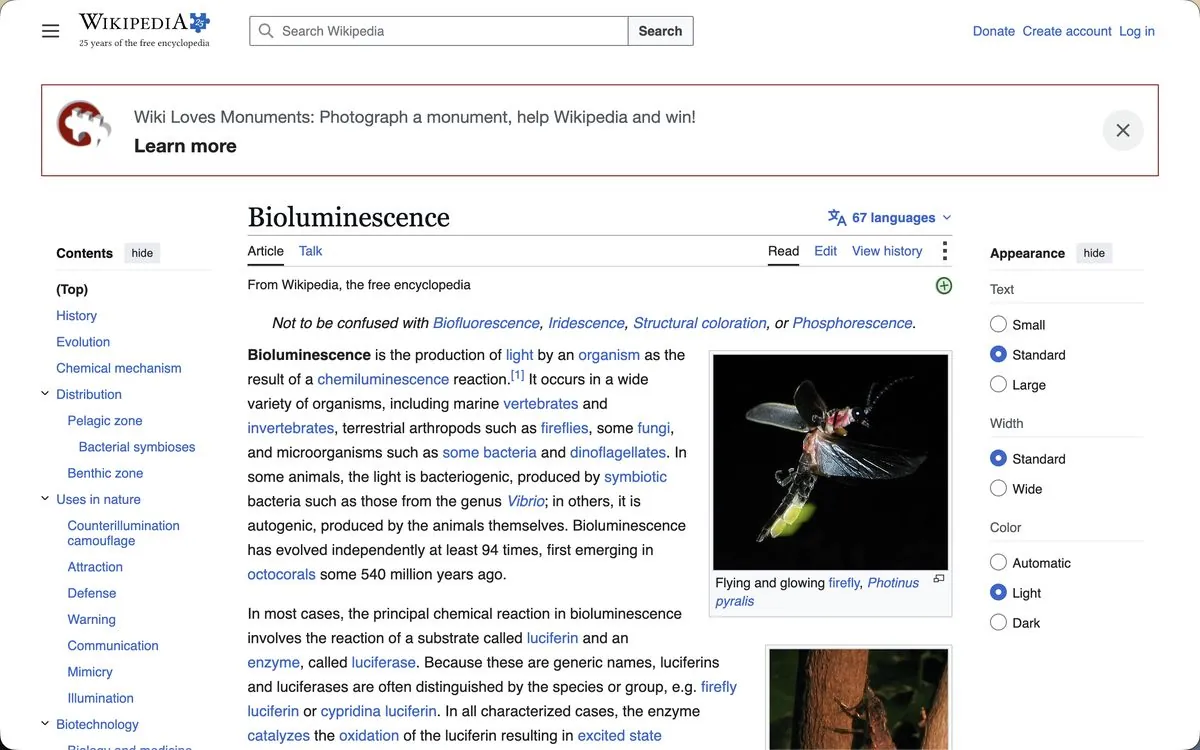
Ghostery filter lists run in-process from the first page load. No extension to install.

Reader mode

Press ⌘⇧R and the page is reduced to its article text and images.

Focus mode

⌘⇧F hides the tab strip and toolbar. Move the mouse to the top edge to bring them back.

Tabs that behave

Drag tabs to reorder them, mute the one playing sound, reopen the one you just closed, or jump to a tab by number.

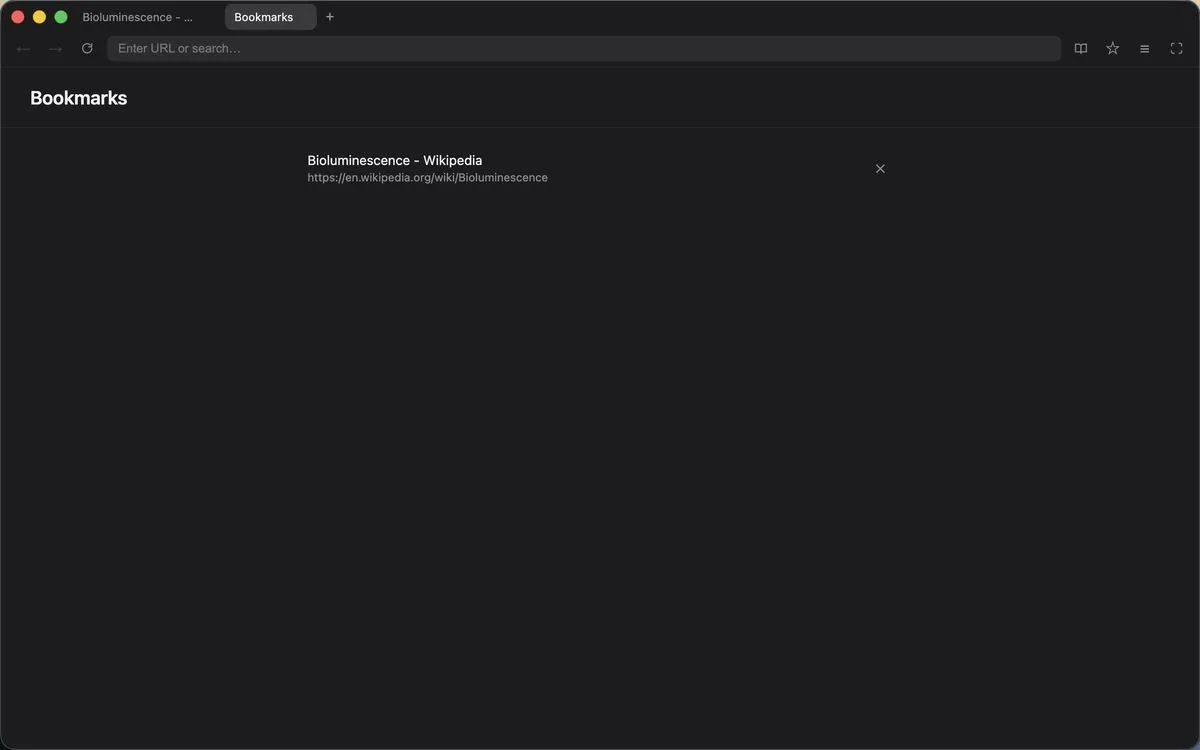
Library

Bookmarks, history, and downloads live in one panel. ⌘F finds text on the page.

Private by default

Cookies and cache are cleared when you quit. Nook has no servers of its own.

Shortcuts

Press ⌘ / inside Nook for the full list.

New tab / close tab⌘T ⌘W
Reopen closed tab⌘⇧T
Next / previous tab⌘⇧] ⌘⇧[
Address bar⌘L
Reader mode⌘⇧R
Focus mode⌘⇧F
Bookmark page⌘D
Print / save as PDF⌘P